
Cross-Chain Swap
Swap converts any token into any other token across 13 supported chains — same-chain or cross-chain, in one transaction flow, with automatic best-price routing. It trades straight from your wallet: no order book, no product balance to fund, full self-custody.
Supported chains
Section titled “Supported chains”Solana · Ethereum · Base · Arbitrum · Optimism · Polygon · BNB · Linea · Scroll · Gnosis · Berachain · Robinhood · Arc
Swap both within and between them — Solana ↔ EVM included. On most EVM chains gas is sponsored, so you can trade without holding the native token; on Solana, Ethereum, and BNB keep a small native-token balance for gas.
How routing works
Section titled “How routing works”You never pick a route — the terminal does:
- Solana ↔ Solana swaps route through Carbium, onchain.cc’s Solana routing engine, which splits your order across DEX liquidity for the best output. MEV protection is on by default.
- Cross-chain and EVM swaps route through LiFi, which finds the best bridge-and-swap path between chains.
The quote shows your expected output, price impact, and the route before you confirm — quotes refresh every 10 seconds while you decide.
How to swap
Section titled “How to swap”- Pick your tokens — the token you’re paying with (and its chain) and the token you want (and its chain). Search by name or paste a contract address.
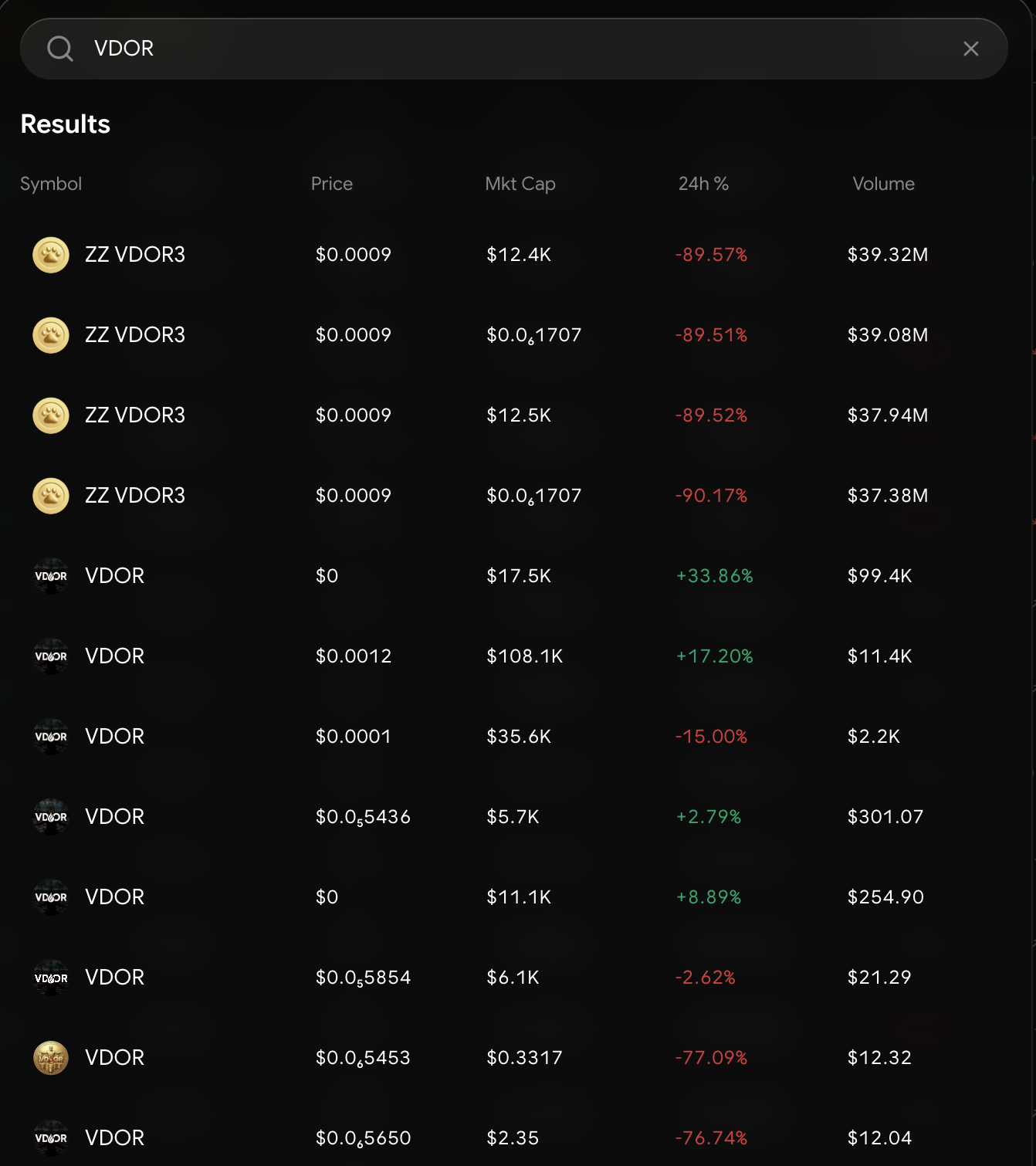
Search by name, ticker, or contract address
That’s the whole flow. Sells work identically — flip the pair.
Swap vs. Spot
Section titled “Swap vs. Spot”Swap is instant conversion from your wallet across 13 chains. Spot is order-book trading on Hyperliquid — limit orders, TWAPs, maker/taker fees — from a funded product balance. Converting tokens? Swap. Working orders on liquid pairs? Spot.
Quick Swap on the Dashboard
Section titled “Quick Swap on the Dashboard”The full swap panel is also available as the Quick Swap Dashboard widget — same chains, same routing, same fees, embedded in your board.